Unigrid profiles and grid options
The Focal, Wave, Crête and Piquée Unigrid profiles, and lay-in, inserted and concealed options with T24 and T15 grids.
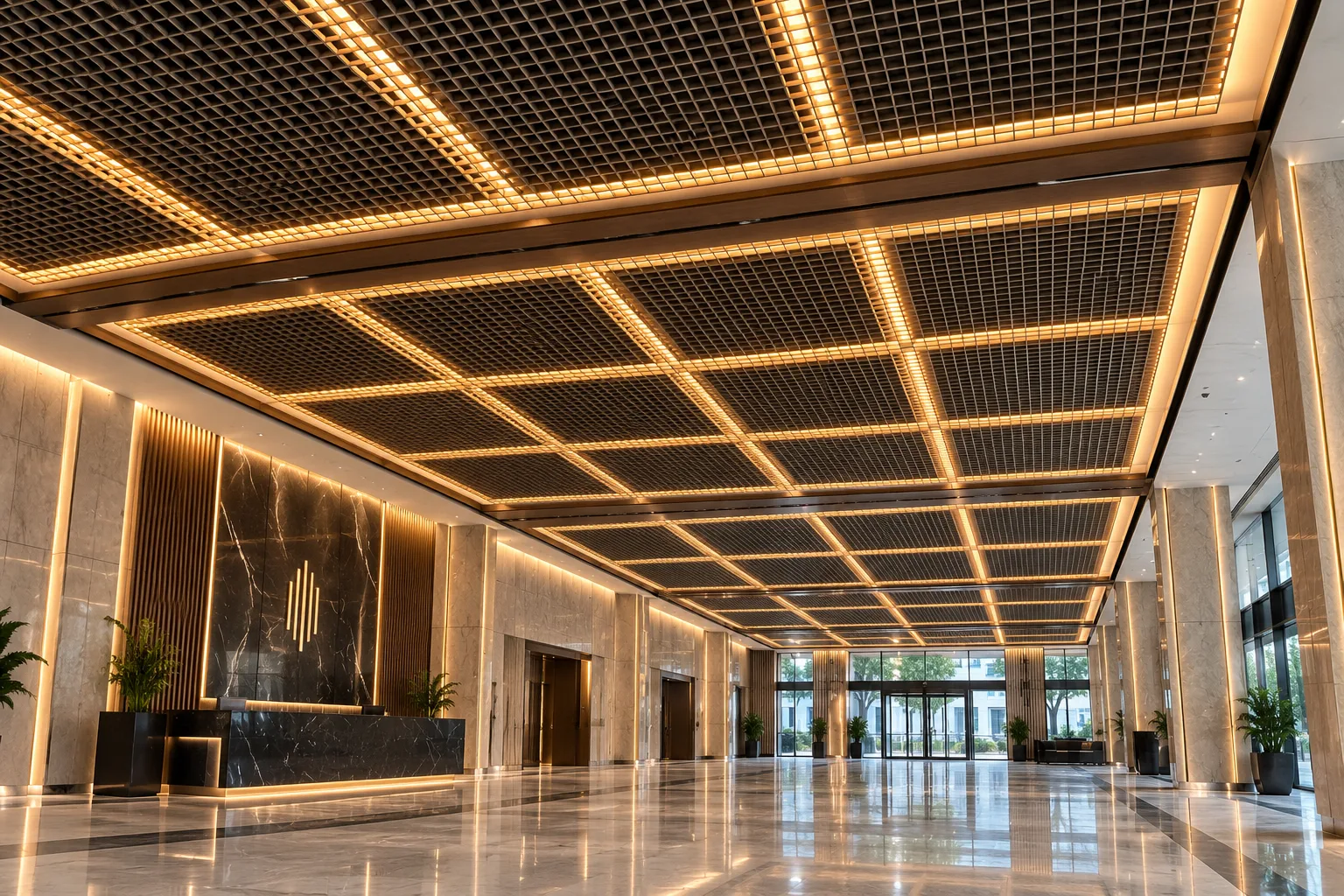
The look of a Unigrid ceiling depends on the shape of the strip that forms the grid and on how the tiles sit in the suspension system. This article covers the profile types and grid options.
Profile types
The aluminium strips that form Unigrid tiles come in four shapes:
- Focal: a flat-faced strip for a clean, crisp grid.
- Wave: a corrugated strip that adds movement and a soft texture.
- Crête: a strip with an angular pattern that reflects light in different directions.
- Piquée: a flat-faced strip with long vertical perforations for a fine, light texture.
The profile type is noticeable up close; from a distance it sets the overall texture of the grid.
Grid: T24 or T15
Unigrid tiles sit in a standard T24 or T15 grid. T15 gives a slimmer grid line; T24 creates a more pronounced frame. The choice depends on how strongly you want the module lines to read.
Installation
- Lay-in: tiles rest on top of the T-bars; the grid lines show and the modules stand out.
- Inserted: tiles sit within the T-bars; the surface reads flatter.
- Concealed: the grid is hidden; the ceiling looks like a continuous grid.
Panel size
Tiles come in 600×600 and 600×1200 mm. Long tiles give the ceiling a direction; square tiles create a more balanced order.
Conclusion
When the profile, grid and installation method are chosen together, a Unigrid ceiling takes on a character specific to the space. For combining it with lighting, read lighting a Unigrid ceiling, or request a site survey for your project.